Lists at your pace
Write one task or paste many at once. Reorder, search and check off what is done.
ORDER, YOUR WAY
A list for every plan.
And room to change your mind.
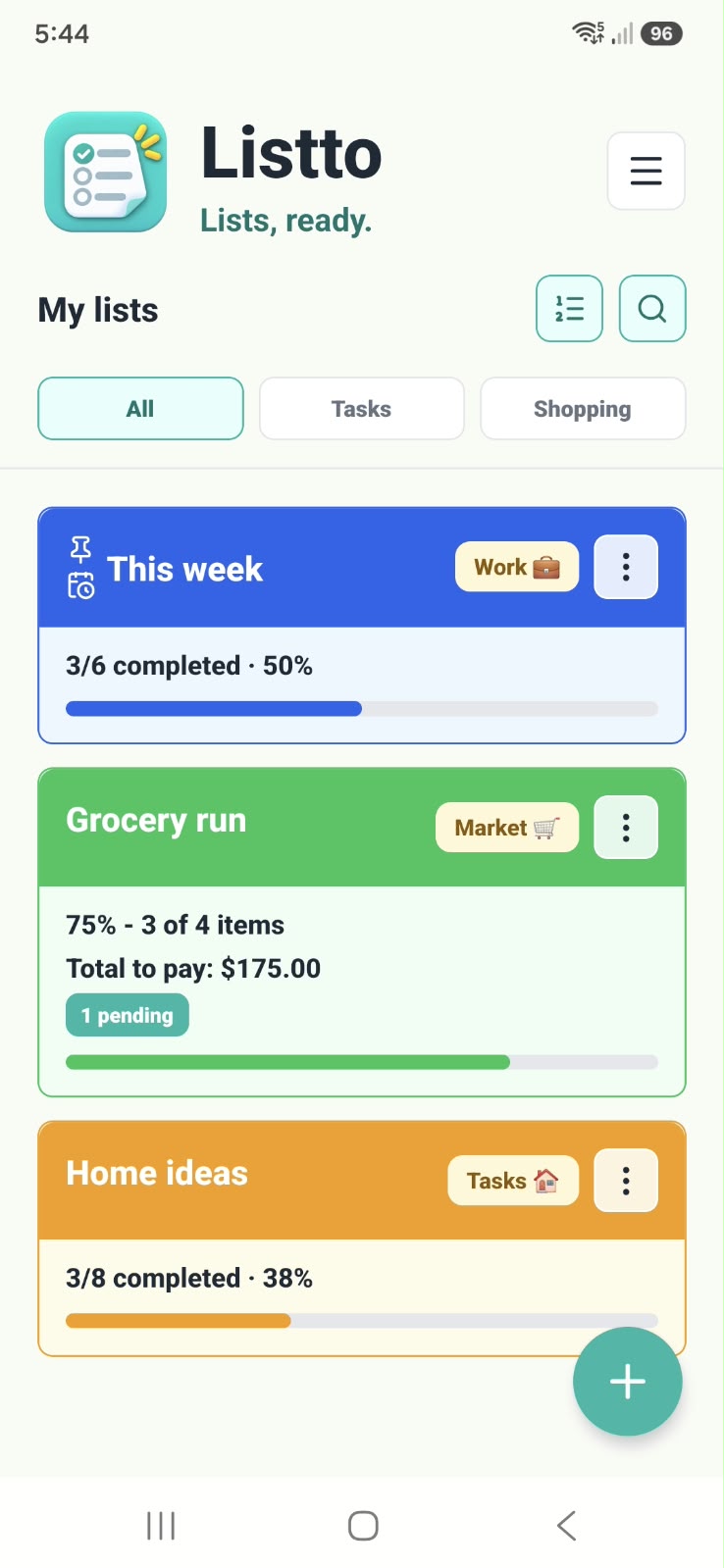
Colors, categories and favorites help you find what matters.
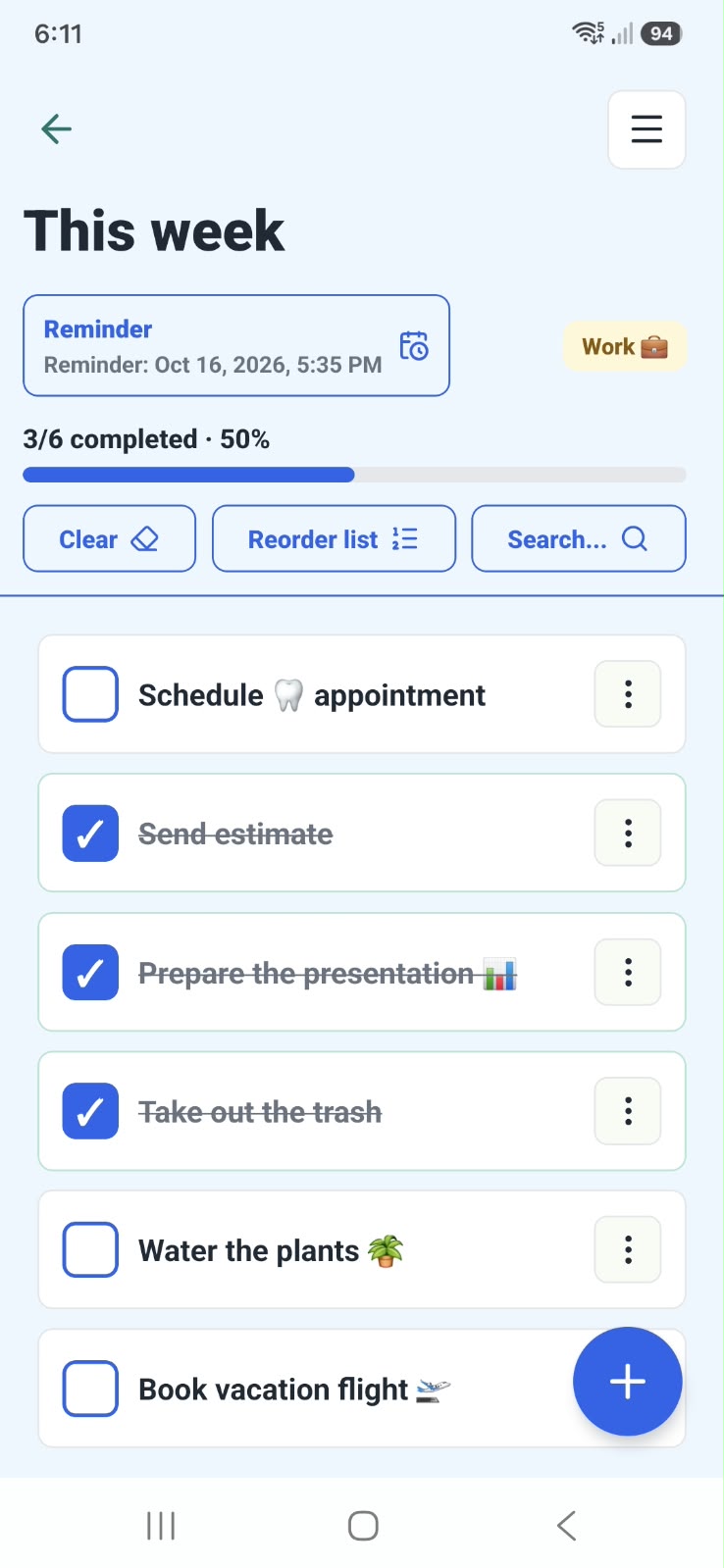
Track progress and add reminders to your calendar.
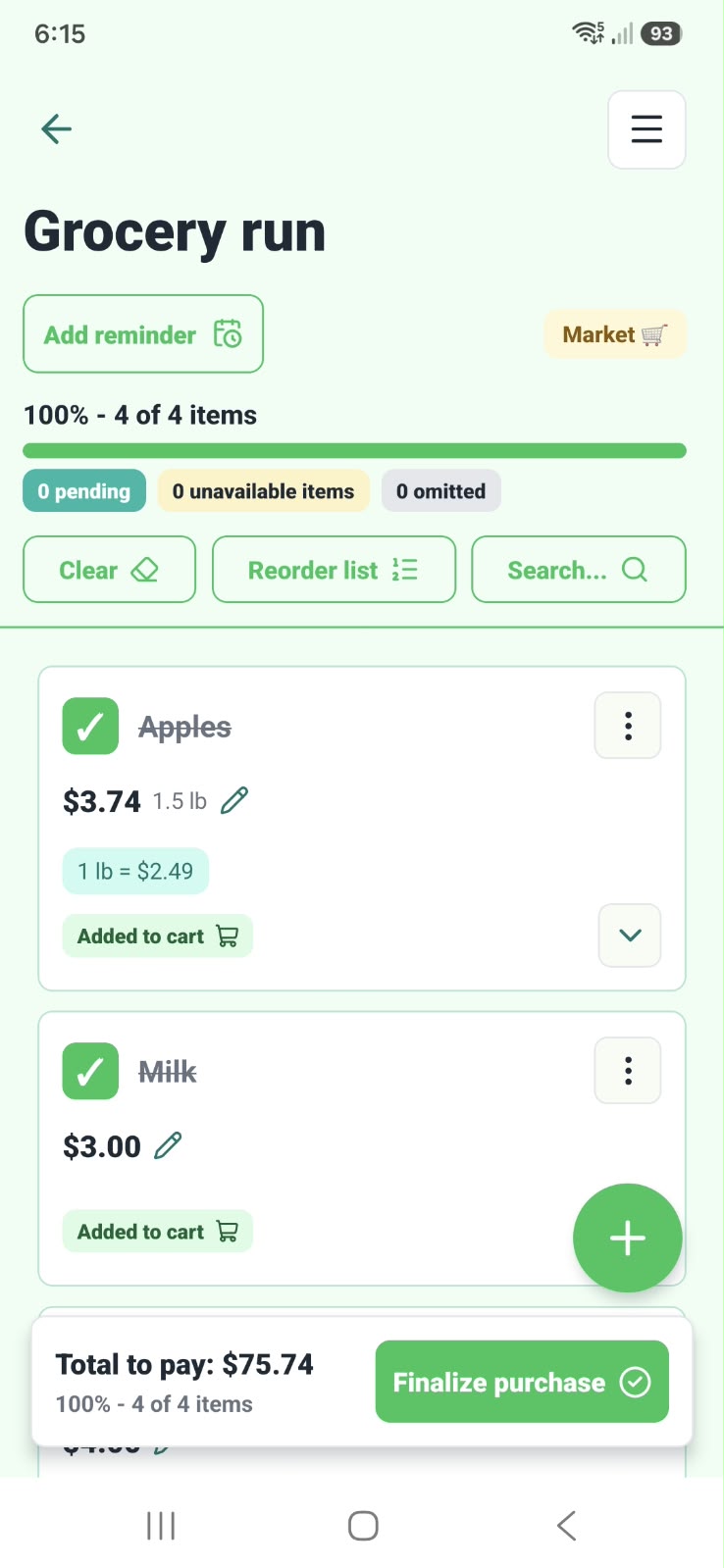
Quantities, weight and discounts. No mental math at the aisle.
LESS FRICTION, MORE LISTTO
Write one task or paste many at once. Reorder, search and check off what is done.
Prices, quantities and coupons in one place. The total follows what you add to the cart.
Enter the shelf price and how much you will buy. Listto calculates the amount by weight or volume.
Create a device calendar event for a list, including its reminder alert.
Pin favorite lists, use categories and review the history of completed shopping trips.
Your lists stay on your device. Export, import and share them when you decide.
FOR EVERYDAY LIFE
You do not need a huge project to make a list.
Sometimes, you just need to remember the bread.
YOUR NEXT LIST STARTS HERE
Available on Google Play Store for Android.
Free for Android. No signups or extra steps.
Download on Google PlayAvailable on Google Play.
iOS · Not available yet
Scan from your Android
IN CASE YOU WERE WONDERING
Yes. The current version is free and shows no ads. Premium features are not available in this version.
No. You can create and use your lists without signing up. There is no Listto sync or online collaboration in the current version.
Your lists are stored locally on the device. You can back them up with manual export. If you create a reminder or share content, the calendar or app you choose receives that data. Read the privacy policy.
Write to mcinvokerm@gmail.com. Include the Listto version and a description of what you need; do not send sensitive list information.
Questions, ideas or something that did not work as expected. We read you.